Cloudflare OS deep dive: safety, trade-offs, and customizing it on day one
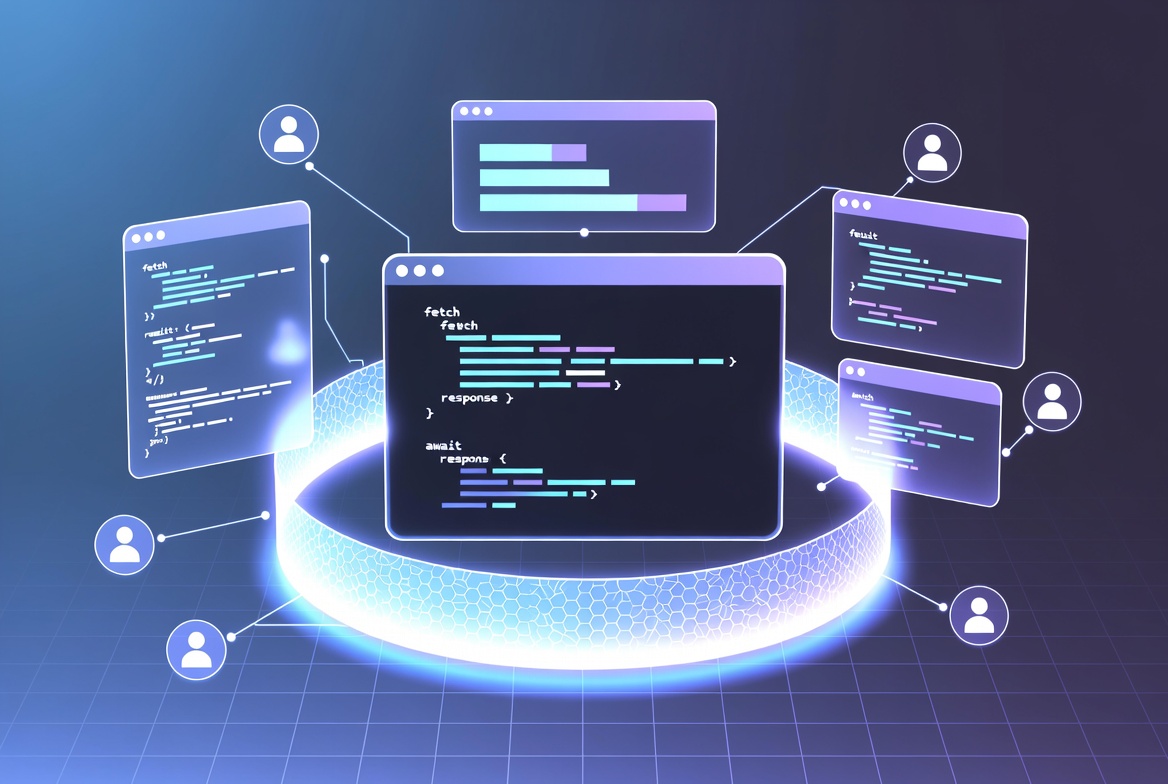
Cloudflare just open-sourced Cloudflare OS — the internal agent workspace they built for their own teams. It is not a traditional operating system. It is an AI productivity environment that runs on Cloudflare Workers, Durable Objects, Dynamic Workers, and a capability-based security layer they call Gatekeepers.
The public pitch is clear: fork it, connect it to your systems, and make it “Your Company OS.”
I spent time reviewing the codebase and docs specifically looking for call-home behavior, hidden telemetry, and the real difficulty of customization. Here’s the practical take.
Is it actually safe?
The security model is one of the strongest parts of the design.
Agents and “Gadgets” (the personal apps the AI can build) start with zero external access. The server side runs in a Dynamic Worker that has outbound internet disabled by default. The browser side runs in a sandboxed iframe locked down by CSP and iframe sandbox attributes. Communication between client and server is limited to Cap’n Web RPC over postMessage.
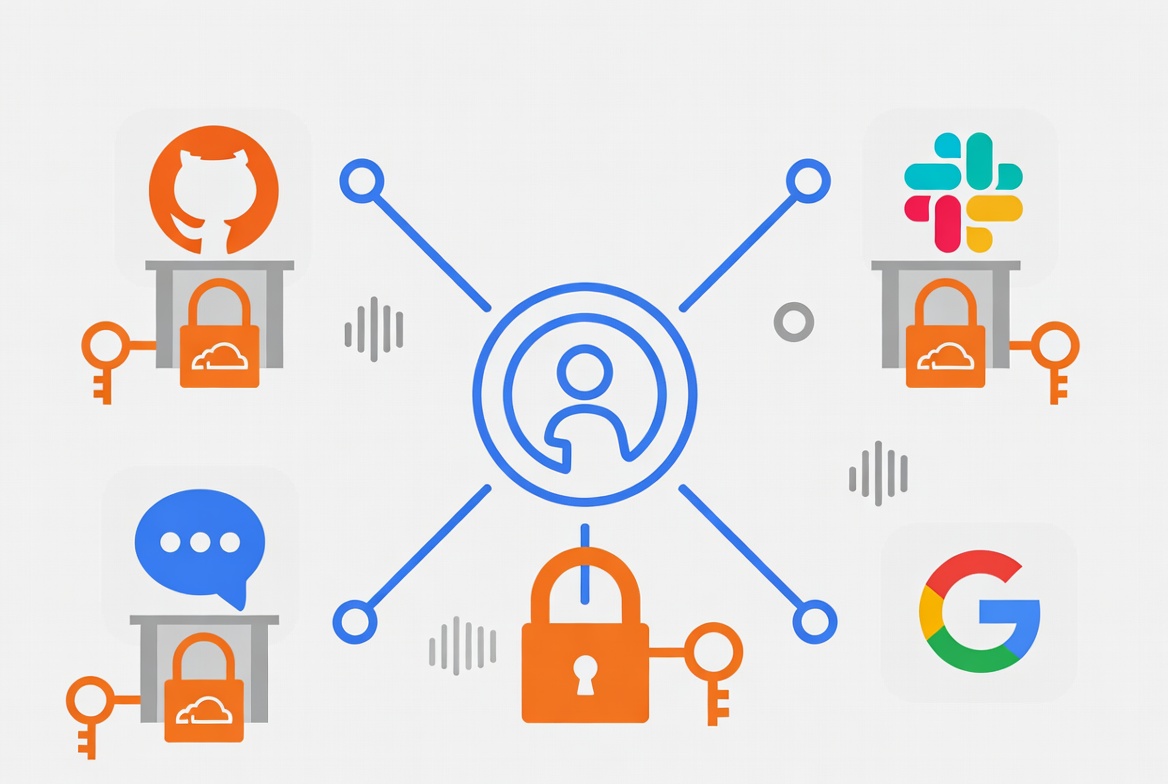
Any real external capability has to be deliberately introduced through a Gatekeeper. A Gatekeeper is a separate Worker that:
- Owns the OAuth credentials
- Exposes a narrow, typed API
- Enforces scopes, rate limits, and field masking
- Logs every action
- Can require human approval for side-effecting operations (with an asynchronous simulation model so the agent is not blocked)
There is also an observation log. Everything an agent reads is recorded and travels with the work product. When someone else opens the resulting document or app, the system checks whether they would have been allowed to see the underlying resources.
I found no evidence of mandatory telemetry or call-home to Cloudflare. The error-reporting package is opt-in and has no third-party analytics dependencies. You deploy into your Cloudflare account under your Access policies and your AI Gateway.
That is a meaningful improvement over most “AI agent” products that either run with broad permissions or phone home by design.
It is still early-access software. The surface area of Gatekeepers is large, the project is under active rewrite (this is v2), and any complex capability system can be misconfigured. Treat it as production-ready only after you have reviewed the specific Gatekeepers you enable and the observation / approval policies.
Why it makes sense to use (or at least study)
- You own the deployment and the data plane.
- Strong default isolation + capability model is rare in open agent platforms.
- Built on the same primitives Cloudflare already runs at scale (Workers, Durable Objects, Access, AI Gateway).
- Explicitly designed so organizations can add internal Gatekeepers and company-specific context without forking the entire core.
- Blueprints let people share code for apps without sharing state or credentials.
Why it might not make sense (yet)
- Early access / heavy development. Rough edges are expected.
- You need a Cloudflare account and some familiarity with Workers + Access.
- Gatekeeper setup and policy design are real work. The “day one” experience is not zero-config for non-trivial integrations.
- Not a managed product (yet). Cloudflare has said a dashboard-hosted version is coming, but today it is self-deployed open source.
- Local development is convenient for experimentation but is explicitly not production.
How easy is customization, and how do you do it on day one?
Cloudflare ships two repositories for a reason. The core stays clean; the starter repo is where you put branding, identity, custom Gatekeepers, routes, and deployment config.
Day-one path that stays close to the intended model:
- Fork or clone the starter: github.com/cloudflare/cloudflare-os-starter
- Install dependencies and authenticate:
pnpm installthenpnpm exec wrangler login - Fill in
deployment.jsonc(account ID, Worker names, hostname, Access audience, admin emails) - Run
pnpm checkthenpnpm deploy - Open
/adminand set site name, logo, and accent color (no redeploy needed for basic branding)
From there you can:
- Add or wrap Gatekeepers without patching upstream
- Point AI inference through your own AI Gateway (model choice + spend controls)
- Curate company context and skills that agents see by default
- Use Blueprints so teams can clone and modify apps rather than share live instances
The design goal is that your organization’s version should look and feel like it was built for your company, not like a generic Cloudflare demo.

Practical recommendation
If you already live in the Cloudflare ecosystem and care about strong isolation for AI agents that need real system access, this is worth deploying in a test account and stress-testing the Gatekeeper + observation model.
If you want a polished, fully managed product with zero infrastructure ownership, wait for the dashboard version Cloudflare has previewed.
The source is public, the security posture is unusually explicit, and the customization path is intentional. That combination is rare enough to be interesting even if you never run it in production.
Primary links
- Core: github.com/cloudflare/cloudflare-os
- Starter / customization: github.com/cloudflare/cloudflare-os-starter
- Announcement post: blog.cloudflare.com/cloudflare-os
- How Cloudflare uses it internally: blog.cloudflare.com/how-we-use-ai-with-cloudflare-os
- Deploy helper: os.cloudflare.app/deploy