Is diri safe to install? A security review of the multi-agent macOS orchestrator
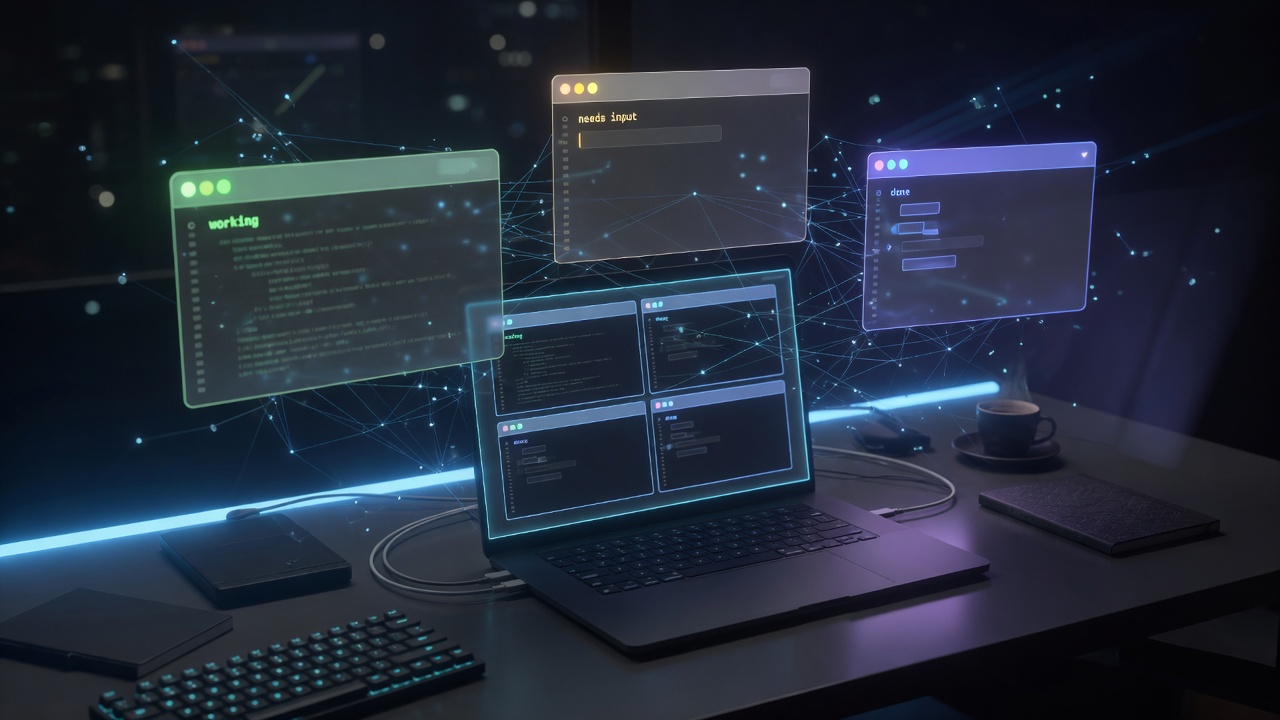
I keep more coding agents open than I used to admit. Claude Code on one worktree, Codex on another, a shell tab babysitting a long build, and something half-forgotten still waiting for me to approve a tool call. The coordination tax is real: which one needs me, which one is done, and what dies when I close the window?
diri is trying to solve that. It is a native macOS orchestrator for coding agents — Claude Code, Codex, Cursor, Gemini, plain shells — with live status, git worktrees, optional remote hosts, and a daemon that keeps sessions alive when the app quits.
Before I install something that owns my PTYs, my agent sessions, and optionally a remote control plane, I wanted a better answer than “it looks polished.” This post is that answer: a source-level security and install-safety review. Part two will be the hands-on trial once I run it for real work.
Safe to install is not the same as sandboxed. diri is powerful local automation with user-equivalent privileges — and that is exactly the product.
The short verdict
Conditional yes for a personal Mac, with eyes open.
- Clone, build, and run from source: yes, with normal developer hygiene.
- Homebrew cask / notarized DMG: yes — preferred for daily use.
- Treat it as a multi-tenant sandbox: no.
- Enable remote companion access casually: no. Opt in only if you understand the trust model.
I did not find a malicious installer, a curl | bash path, sudo elevation in project scripts, or silent unverified remote code execution. I did find deliberate security engineering — and a residual risk profile dominated by product power, not accidental backdoors.
What diri actually is
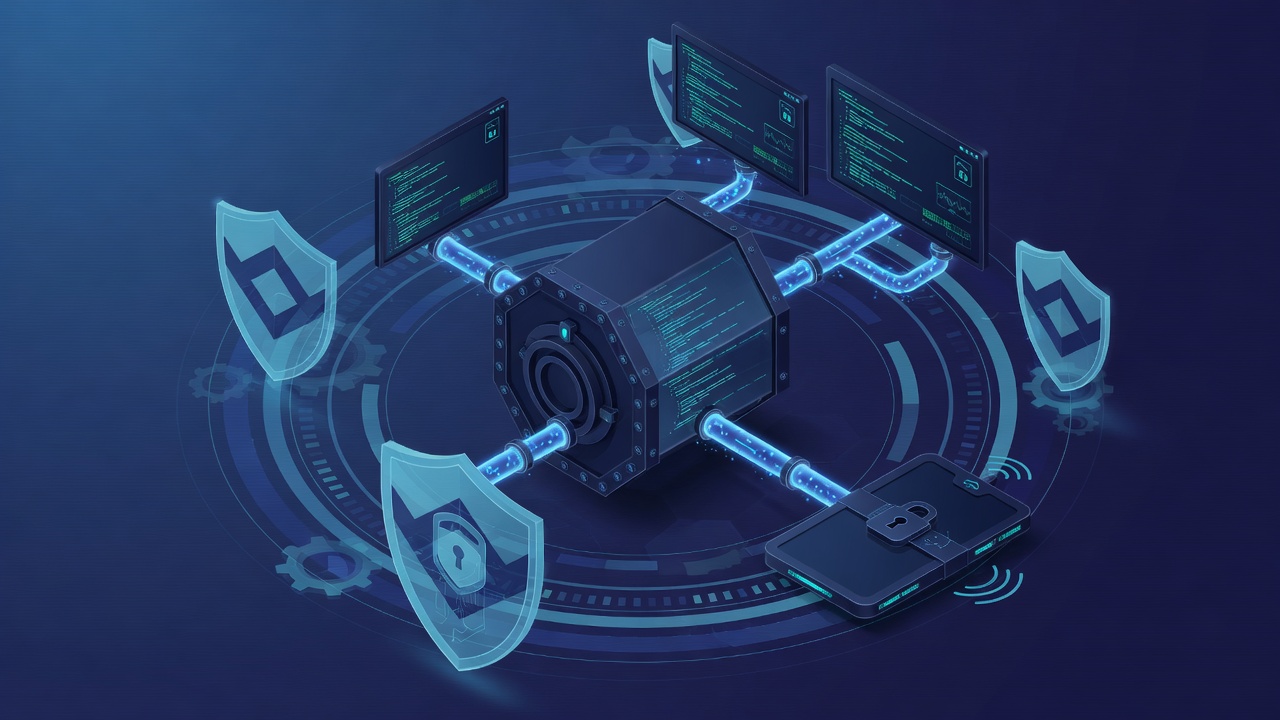
Architecture matters more than marketing for tools like this. diri is not “one app that shells out to agents.” It is a small process graph:
diri— Rust + GPUI desktop app: window, sidebar, terminal renderer, command palette, updater.dirijord— Swift daemon: owns PTYs, session registry, persistence, status detection, control socket.dirijord-holder— keeps PTY masters alive so sessions survive a daemon restart.dirijor— CLI used as MCP shim, hooks, and doctor/status.- Optional
diri-node— first-party remote VPS management over TCP + token. - Optional Playwright sidecar — browser pool driven over stdio for test runs.
The app talks to the daemon over a Unix socket. Closing the UI does not kill the agents. That is the feature — and the reason the daemon is a high-value control plane on your machine.
Trust model (read this before you install)
Here is the model the code implements, not the model I wish it implemented:
- Local control plane — Unix domain socket under Application Support, mode intended
0600. No app token. Any process running as you that can open the socket can drive the daemon. - Remote companion TCP — off unless
remote.jsonexists. Shared secret on hello/attach/forward. Application traffic is cleartext; the design assumes Tailscale (or an equivalent private path). - Remote agent hosts — SSH + tmux, keys only, with first-contact host-key acceptance.
- diri-node — TCP + capability token; refuses public bind addresses; still cleartext at the app layer on a private network.
There is no multi-tenant isolation between agents, no setuid drop, and no sandbox around holders. A compromised same-user process — or a leaked remote token — is full user-level control of sessions, keystroke injection, local port forwards, browser automation, and daemon shutdown. That is normal for IDE-class daemons. It is still the most important sentence in this review.
Install and supply chain: what looked clean
This is where diri earned a lot of goodwill.
No shady install path
- No
curl | bashinstaller. - No
sudoin project scripts. - Local install lands in
~/Applicationsand a CLI symlink under~/.local/bin. - App Support directories are created as
0700; secret configs aim for0600. - Empty entitlements; hardened runtime applied at sign time for packaged builds.
The updater is better thought-out than most indie apps
diri does not use Sparkle. The Rust updater pulls a JSON feed from GitHub Releases, downloads a zip of the app bundle, then accepts the update only if several checks hold:
- HTTPS-only downloads, with the download host pinned to
github.com. codesign --verify --deep --strict.- Team ID and bundle identifier match the running app.
- Gatekeeper assessment for notarization.
- No downgrades; download and restart require UI confirmation.
Checks are automatic; install is not. That is the right split for a tool that holds live agent sessions.
Dependencies are large, but mostly pinned
The main build-time supply-chain surface is GPUI from a commit-pinned Zed revision, plus a normal crates.io / SPM graph and a locked Playwright package for the optional sidecar. That is real third-party risk, handled the way serious projects handle it: lockfiles, CI, and no floating “latest” install story for end users.
What the security review actually found
This was a static architecture and source review of the open tree — not a penetration test, and not a full CVE sweep of every transitive crate. Findings fall into three buckets: real bugs, design residual risk, and genuine strengths.
P0 hygiene holes I would fix before trusting logs on a shared machine
Session terminal logs and screen checkpoints can miss owner-only permissions. The holder path that writes raw PTY spill and the screen-checkpoint writer do not always force 0600. With a permissive umask, that content can become world-readable. These files are not redacted summaries — they are full terminal history. On a personal single-user Mac this is often latent; on any multi-user or shared-home setup it is a real bug.
Companion bind address is not enforced the way diri-node is. Comments say Tailscale-only / never all-interfaces, but the Swift remote listener binds whatever is in remote.json. diri-node refuses public binds. The companion path should do the same. If someone hand-edits (or malware writes) bindHost: 0.0.0.0 and steals the token, the control plane is exposed on cleartext TCP.
P1: product power with soft edges
MCP is a fleet amplifier. Agents get tools to spawn other agents, type into other sessions, create worktrees, drive browsers, and kill sessions. Lineage softens some writes and blocks self-kill, but this is not least privilege. A prompt-injected agent can expand sideways into the rest of your fleet. That is the cost of “agents can orchestrate agents.”
Redaction is marketing-thin relative to the data plane. Status summaries mask some password=… patterns. Full PTY streams, MCP screen reads, remote attach, and disk logs do not. Known gap: Authorization: Bearer xyz leaves the token value partially intact. Session titles taken from first prompts are not redacted either. Treat logs as secret-bearing storage.
Pairing URLs embed the long-lived remote secret. Great for QR convenience; terrible for screenshots, paste buffers, and screen shares. Prefer one-time pairing codes and easy rotation.
SSH uses StrictHostKeyChecking=accept-new. First contact is TOFU. Fine for casual home lab; weaker for a fleet you care about. Pin host keys for hosts you will keep.
Prefs sync excludes dedicated credential files (good) but can still push settings.json / config.toml that sometimes hold API keys in env blocks.
By design — document, do not “fix”
- Local Unix socket trust = same-user full control.
- Agents run with your UID, PATH, keychain-backed tools, and network.
- Holder separation is availability, not privilege separation.
- Generic shell spawn exists for intentional CLI power.
- Remote protocol has no TLS; private network is assumed.
What they got right
Credit where it is due — this is not “ship a daemon and hope.”
- Remote access is opt-in; no
remote.jsonmeans UDS-only. - Remote tokens use constant-time comparison; methods are gated until hello.
- Remote port-forward defaults to session-discovered localhost ports, not the whole machine.
- diri-node refuses public listener addresses.
- Tooling subprocesses often use argv
posix_spawn, not shell interpolation. - PTY children reset signals, take a controlling TTY, and close inherited FDs.
- Process kill paths guard against PID reuse with start-time checks.
- Node checkpoints reject path traversal and exclude obvious secret filenames.
- CI runs shell syntax checks, npm audit for the sidecar, Swift tests, clippy with warnings denied, and package verification.
For a power-user agent orchestrator, the security engineering quality is above average. The residual risk is mostly architectural honesty, not negligence.
Would I install it on my personal Mac?
Yes — with a deliberate posture:
- Prefer the signed, notarized release path for daily use.
- Leave remote companion access off until I have a Tailscale story and a token rotation habit.
- Never enable
forwardAnyPortcasually. - Treat every MCP-enabled agent as able to touch the fleet, not just its own tab.
- Assume session logs can hold secrets I paste into a terminal.
- Skip Playwright/browser tooling until I actually need it.
- Keep agent work on machines and accounts I already trust for coding agents — because diri does not reduce that trust level; it multiplies how many agents share it.
Compared with “run Claude Code and Codex yourself in a pile of terminal tabs,” diri does not invent a new privilege class. It concentrates the control plane and adds optional remote surfaces. That is a trade I am willing to make on a single-user Mac, after reading the code.
Part 2 preview: the field trial

I have not yet used diri as my daily multi-agent cockpit. Part two will. The plan is deliberately boring and measurable, so the review does not stay theoretical.
What I will install
- Notarized release via Homebrew cask or DMG first — not a half-signed local Frankenbuild.
- Confirm Gatekeeper opens cleanly, CLI lands on
PATH, and the daemon starts without me hunting sockets. - Record first-run permissions, update check behavior, and whether anything phones home beyond the documented feed.
What I will run for a week
- Local fleet: Claude Code + Codex + one plain shell on the same project, split across worktrees where it helps.
- Status honesty: does “needs you / working / done” match reality enough that I stop polling terminals?
- Detach/reattach: quit the app mid-session, reopen, and verify nothing important died.
- MCP orchestration: one deliberate experiment where an agent spawns a sibling — then decide if the blast radius feels worth it.
- Remote (optional, gated): only over Tailscale, with a fresh token, and only after local mode feels solid. No public binds. No
forwardAnyPort.
What I will measure
- Time from “I need another agent” to “it is working in the right directory.”
- How often status is wrong or late.
- Whether session logs and disk growth become a privacy or storage nuisance.
- Whether MCP multi-agent feels like leverage or like handing one agent the keys to the building.
- Any friction that makes me fall back to raw terminals by day three.
What would change my mind
Part two will not rubber-stamp part one. If install is rough, status is noisy, remote settings feel footgun-heavy, or the MCP surface makes me nervous in practice, I will say so. If it quietly becomes the place I park every long agent, I will say that too.
Part 1 is “should I let this on my machine?” Part 2 is “does it earn a permanent slot in the workflow?”
Closing
diri is not malware-shaped. It is a serious multi-process agent orchestrator with better-than-average security hygiene, a thoughtful updater, and a residual risk profile that matches its ambition: many real agents, one control plane, sessions that outlive the window.
I would install it on a personal Mac. I would not treat it as a sandbox. I would keep remote features off until I need them. And I am going to run the field trial next — so part two can answer the only question that matters after a security review: is it worth the trust it asks for?
Project: github.com/cristicretu/diri. This review is point-in-time source analysis of the open repository as checked out for the audit; it is not a vendor endorsement, and it is not a guarantee against future changes.